

Last week Apple announced a new iLife '11, which includes an updated version of iPhoto. What are the new features? Full Screen You can make iPhoto go into full screen mode by clicking on the green button in the upper left. So you won't see your Dock, or your menu bar, you'll just see your photos ...

Apple Announcements: What’s New, What We Think
Yesterday was a big day for Apple, lots of product and software announcements. Here's the skinny: 1. New MacBook Air computers. One is small (11" diagonal screen, 2.5 lbs) and the other is normal size (13" diagonal screen). Both have solid state drives instead of traditional hard drives so they run ...
How to Uninstall an Application from Your Mac
Some applications can be uninstalled by simply deleting the app file from your Applications folder. But many apps leave lots of associated files in other places on your Mac (in the Library and Preferences, mainly). So how do you make sure you remove all related files and folders from your machine, ...
How to Get Your Contacts from Apple Address Book into Excel
The easiest way to get your Apple Address Book contacts into an Excel spreadsheet is actually by using Entourage as a go-between. Here's how. 1. Back up your Apple Address Book. (Just in case.) To do that, under the File menu, choose Export and then choose Address Book Archive. Save the archive to ...
Remote access to a Mac
We use remote desktop software to help clients on a regular basis. This means we remotely access other people's computers through our Mac in our office. It's a quick way to either solve somebody's Mac problem from afar, ASAP, or diagnose an issue so I can send the proper Expert to solve it in ...
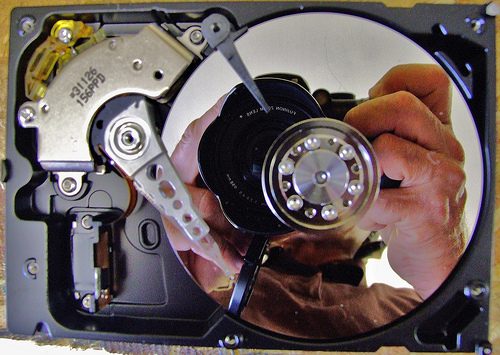
How to back up your iPhoto images
If you want to back up just your iPhoto images (your library) to an external source, such as a hard drive or CD/DVD, you need to know where to find them. Here's what to do. 1. In the Dock, click on the Finder (the blue face). 2. A Finder window pops up. In the window, on the left-hand side under ...